November 2, 2026
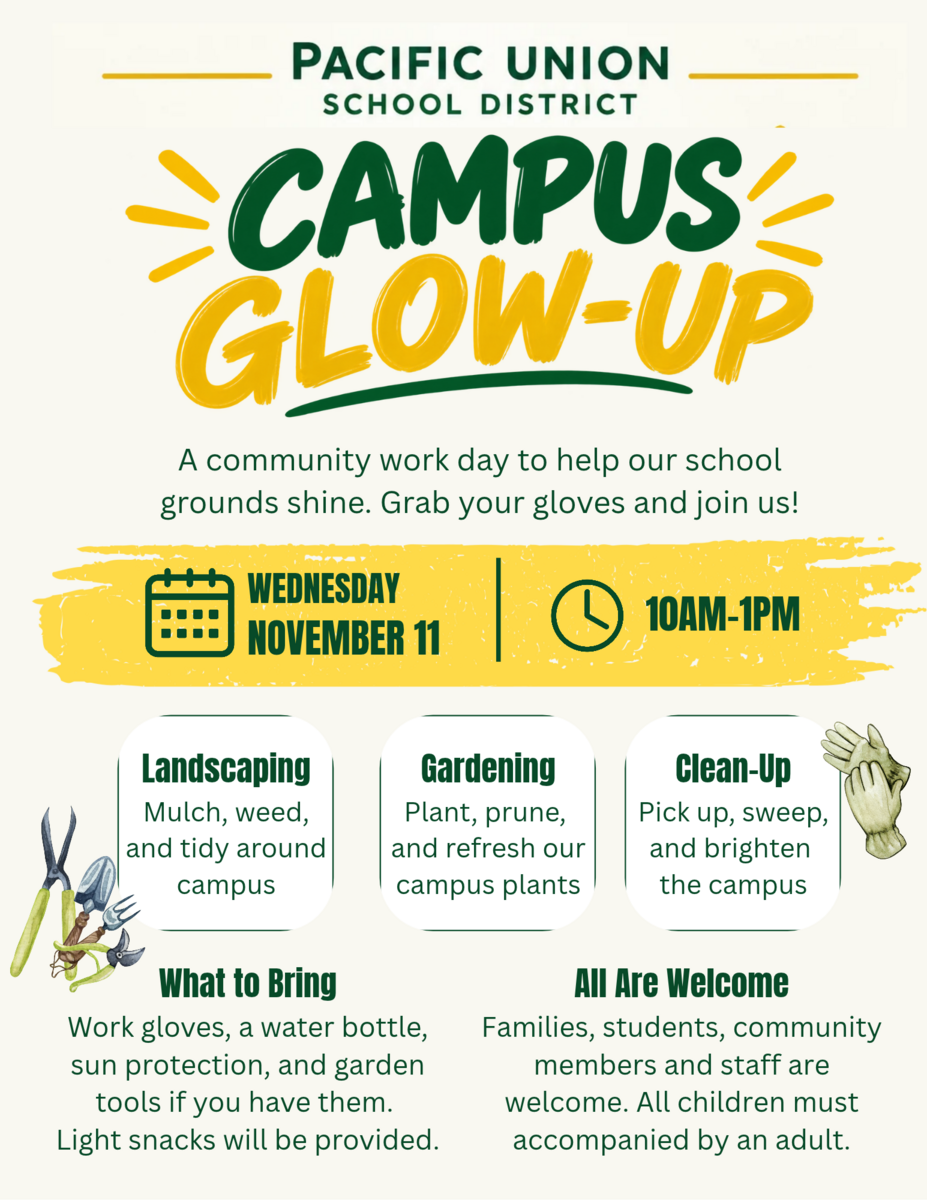
Campus Glow-Up Day
Please join us on Wednesday, November 11, 2026, from 10:00 AM-1:00 PM (weather permitting) for a campus glow-up work day. Light snacks and water will be provided. We hope to see you there!

Pacific Union School District
Safe. Responsible. Respectful.


Who We Are
Pacific Union School District is a dedicated K–8 elementary district proudly serving the diverse community of Arcata and the surrounding Humboldt County region.
The mission of Pacific Union School is to educate our students to become lifelong learners who will contribute productively to the world they inherit. Pacific Union addresses the diverse needs of all students. In alliance with the community, Pacific Union’s highly qualified staff provides a safe and healthy environment where students experience opportunities to become positive and successful citizens.
_1778596211.png)
Enrollment ➔
_1778595976.png)
Wellness ➔

Academics ➔
_1778596211.png)
Athletics ➔
Stay up to date on exciting news, events and more with the ParentSquare app!
November 2, 2026
Please join us on Wednesday, November 11, 2026, from 10:00 AM-1:00 PM (weather permitting) for a campus glow-up work day. Light snacks and water will be provided. We hope to see you there!

October 26, 2026
Wildcat Weekly Weekly Community Newsletter October 25, 2026 RESPONSIBILITY Our character trait focus for the month of October is RESPONSIBILITY. October 26th - October 30th Here are some things to ...

October 20, 2026
Good afternoon PUSD families!With Halloween around the corner, here’s a quick update on our dress code for costumes. Students are welcome to dress up and join the fun on Friday, October 30th. To ke...
October 19, 2026
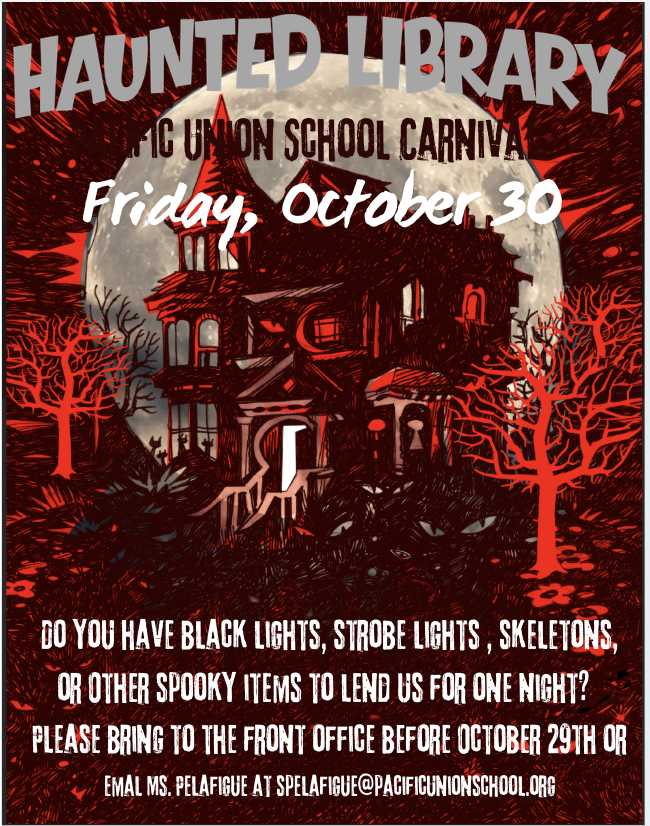
We are working to make the Haunted Library for the Pacific Union Carnival, better and better every year! Some essential items we need this year are black lights, string lights, rolls of large black...

October 19, 2026
Wildcat Weekly Weekly Community Newsletter October 25, 2026 RESPONSIBILITY Our character trait focus for the month of October is RESPONSIBILITY. October 26th - October 30th Here are some things to ...